Free online tool

Test every mouse button, click interval, scroll wheel and observed movement frequency in your browser.

Private by design

Mouse click test for every button.

Test buttons, double-click chatter, click speed, wheels and polling rate online.

no downloadworks on desktop & mobileresults stay local
Live input mapWaiting for input
L0M0R0B0F0
Clicks 0Wheel ↑ / ↓ 0 / 0Movement 0 px

Click every button on your mouse

Move, click and scroll anywhere on this page to see each event.

Total clicks0
CPS (live)0.0
Last interval—
Movement events/s0 Hz
Current actionWaiting for input

Event log

0/10

Click, scroll or move to start logging events.

Live statistics

0.0 s
Left 0Right 0Middle 0Scroll ↑ / ↓ 0 / 0Side buttons 02× anomaly 0Peak movement events/s 0 Hz
No data yet — interact anywhere to begin

What to check in an online mouse test when your mouse feels unreliable

Start with the symptom you can reproduce, then repeat the same test before changing hardware, a USB port or a wireless connection.

Mouse button test online for left, right, middle and side buttons

Press each physical button and watch the browser event arrive in real time. The live map helps you spot a missing side button, a remapped input or a click that only works intermittently before you replace the mouse.

Run the mouse button test
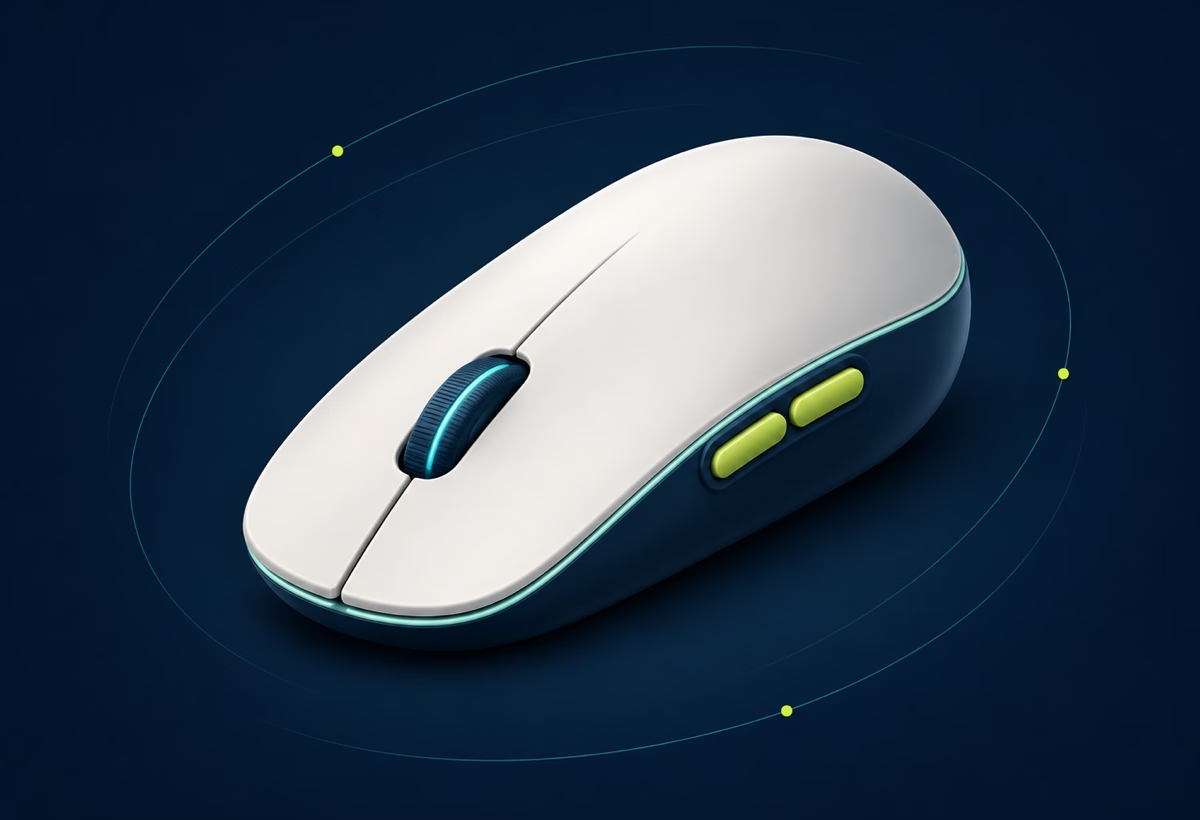
Three-quarter ivory and navy mouse illustration showing the scroll wheel and side buttons for an online button test

Mouse double click test for a switch that registers two clicks

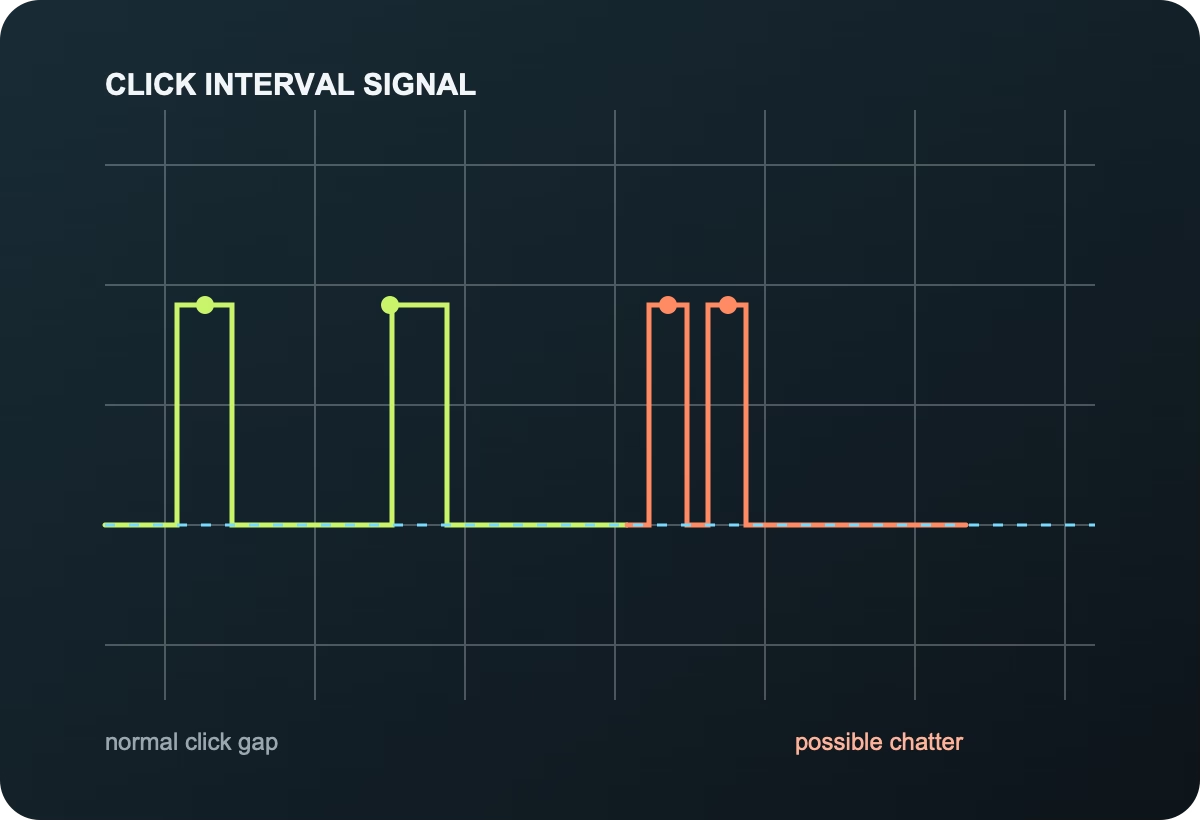
A healthy deliberate click should leave a comfortable gap. Repeat the same button several times and use the interval log to separate an intentional double click from possible switch chatter under 50 milliseconds.

Check for double-click chatter
Click interval chart comparing normal mouse clicks with possible double-click chatter

Mouse scroll wheel test for jumps, reverse scrolling and DPI

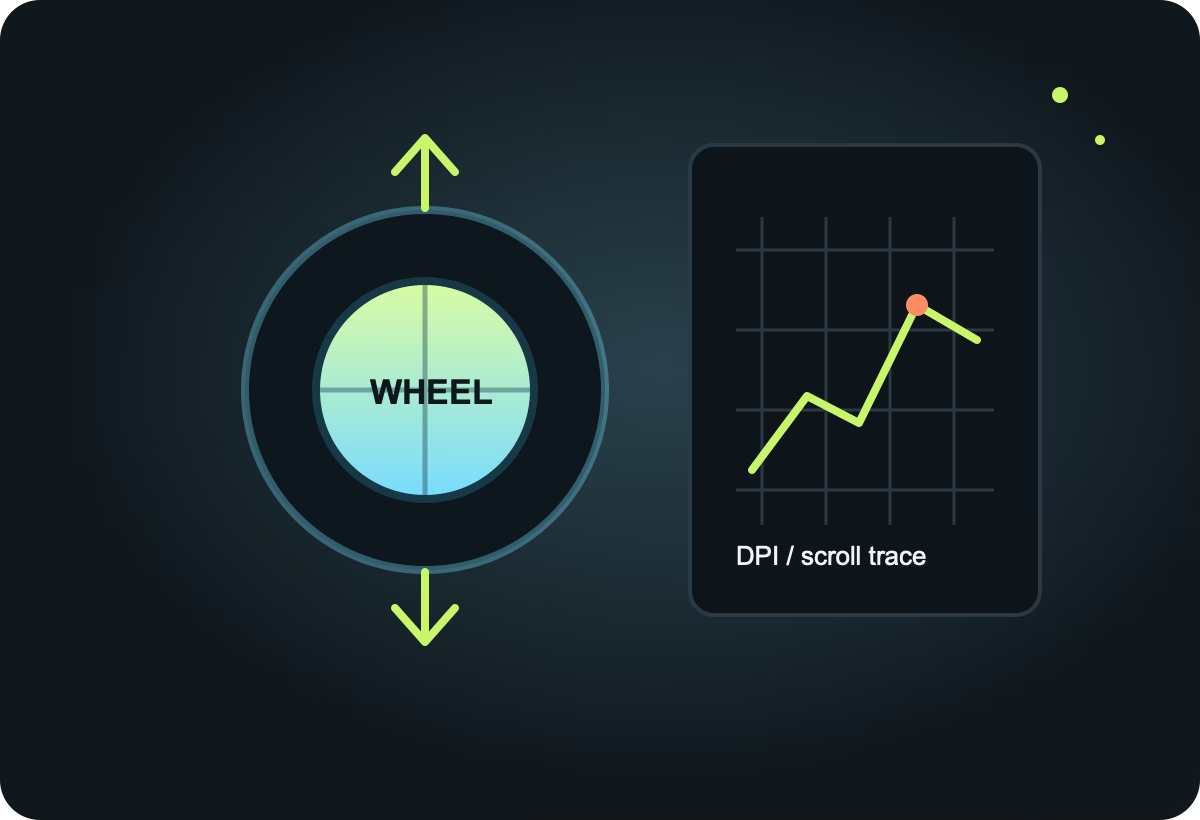
Scroll up and down to catch skipped ticks, reversed direction and a wheel that feels sticky. When sensitivity also feels wrong, measure a known distance with the DPI tool and compare repeated runs under the same pointer settings.

Test the scroll wheel
Scroll wheel arrows beside a mouse DPI and scroll trace illustration

Mouse polling rate test for 125, 500, 1000 and 8000 Hz movement

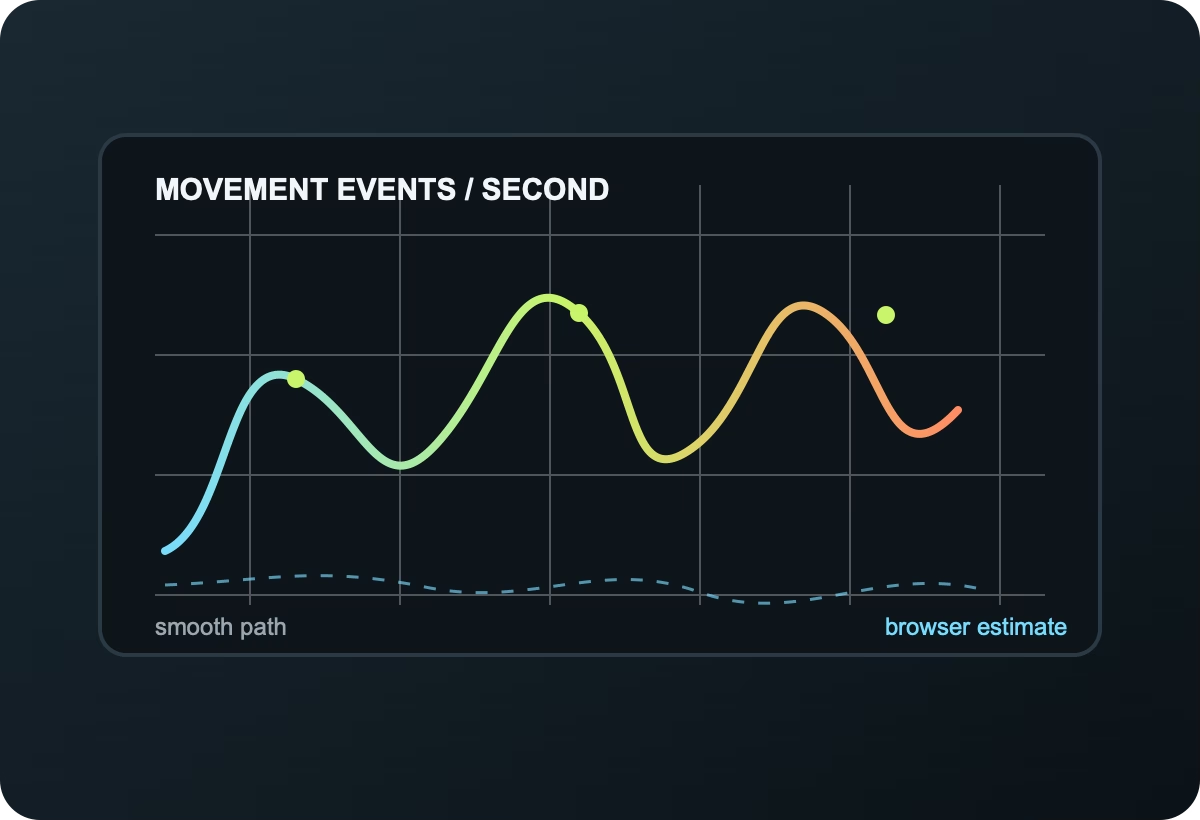
Move in wide, fast circles and compare the movement events your browser receives. The reading is an on-page estimate, so use it to compare wired, 2.4 GHz and Bluetooth setups rather than treating one peak as sensor firmware proof.

Measure observed polling rate
Mouse movement event graph illustrating polling rate and pointer jitter estimation

Choose an online mouse test for the problem you are seeing

Each tool focuses on one signal, with long-tail guidance for diagnosing a gaming mouse, office mouse or replacement switch.

Mouse button test

Check left, right, middle and side buttons with a live event log.

↗

Double click test

Spot mouse chatter with interval thresholds under 50 milliseconds.

↗

Button chatter test

Measure debounce gaps when a single press turns into repeated clicks.

↗

Click speed test

Measure CPS while you click as fast as your switch can respond.

↗

Scroll wheel test

Count wheel ticks and catch skipped, reversed or sticky scrolling.

↗

Wheel tilt test

Check horizontal tilt, vertical scroll and middle-click events.

↗

Button remap test

Compare the physical button you press with the browser event received.

↗

Polling rate test

Estimate mouse event frequency while you move across the page.

↗

DPI test

Measure cursor distance and compare your configured mouse DPI.

↗

Hold & drag test

Check if a mouse button drops while you drag and hold.

↗

Click counter

A clean click counter for switch endurance and repeated input.

↗

CPS test

Run 1, 5, 10, 30 or custom second clicks-per-second trials.

↗

Clicks per minute

Convert a timed click run into a repeatable CPM result.

↗

Threshold test

Compare 50, 80, 150 and 350 ms double-click thresholds.

↗

Scroll jump test

Find rapid wheel direction reversals and encoder irregularities.

↗

Jitter test

Inspect pointer direction changes during smooth movement.

↗

Mouse tracking test

Trace a live sensor path to spot skips and movement instability.

↗

Mouse accuracy

Track hits, misses and aim accuracy in a 20-second drill.

↗

Keyboard test

Check keys locally when a mouse issue may be a wider input problem.

↗

Latency estimate

Measure browser click-to-paint response with rolling samples.

↗

Test history

Review and export your last thirty local CPS results.

↗

Everything you need for online mouse diagnostics

Use a repeatable process before buying, returning or repairing hardware.

See every event

Live button counts, click intervals, scroll direction, movement rate and the most recent action appear as you test.

Find double-click chatter

The double-click page flags suspiciously short intervals and gives you a simple reference table for repeat tests.

Keep results private

There is no login or upload. Standard pointer events are measured in your current browser session.

Online mouse click test questions before testing a mouse

Read all FAQs
How does an online mouse click test work?

Mouse Click Test listens to normal browser mouse events. It counts buttons, wheel ticks, intervals and movement locally, so you can troubleshoot a mouse without installing software.

Can this detect a double-clicking mouse switch?

Yes. The double-click tester records the interval between clicks and highlights unusually short intervals. Repeat the check at a normal pace before deciding a switch is faulty.

Is mouseclicktest.org free and private?

Yes. The tools run in your browser with no account, upload or required tracking. Visible test state resets with the tool, while optional CPS history stays in local storage until you export or clear it.

What should I test before an RMA?

Run the mouse button, double-click, scroll wheel and hold-drag tests, then repeat in another browser and USB port. Record the event log and the conditions.